

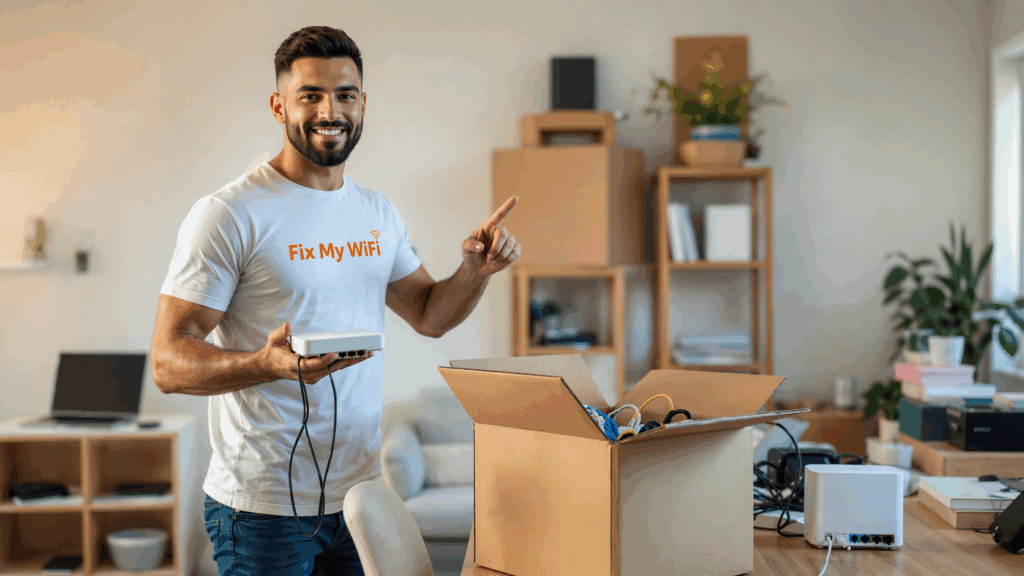
Submitting a WiFi installation request is only the beginning of the process.
After the enquiry is received, the provider should review your property details, understand the main connectivity problem and confirm whether the visit involves router setup, mesh WiFi, office networking, device connection or cabling.
A professional WiFi installation Dubai booking should follow a clear process so you know what information is required, when the technician will arrive, how the quotation will be prepared and what should be tested before the job is completed.
Fix My WiFi supports Dubai apartments, villas, offices, shops and commercial spaces with a diagnosis-first process designed to reduce guesswork and unnecessary equipment purchases.
The Provider Reviews Your Initial Request
The first step is reviewing the information you shared.
A useful booking request normally includes your Dubai location, property type, number of rooms or floors, current WiFi problem and preferred appointment time.
The provider may also look for details such as:
- Whether the internet works beside the router
- Which rooms have weak coverage
- Whether calls, streaming or gaming are affected
- Whether you already use extenders or mesh nodes
- Whether cabling may be required
- Which devices must be connected
If the request is too general, the provider may need to ask additional questions before confirming the appointment.
Fix My WiFi uses the initial information to understand the likely scope and prepare for the assessment.
You May Be Asked to Send Photos
Photos can make the booking process much faster.
The technician may ask for images of:
- The ISP modem or internet entry point
- The current router
- Visible cables and adapters
- Existing extenders or mesh nodes
- The room where WiFi is weakest
- The network cabinet or rack in an office
These photos can reveal poor router placement, damaged cables, overcrowded equipment or an existing setup that may be reused.
A WiFi installation Dubai booking does not always require detailed technical information. Clear photos and a simple description are often enough to help the provider understand the starting point.
The Appointment and Access Details Are Confirmed
Once the basic requirements are understood, the provider should confirm the appointment date, time and access instructions.
For apartments and villas, this may include the building name, unit access, parking details and security procedure.
For offices or commercial properties, the provider may also need:
- Reception or facility-management contact
- Contractor access requirements
- Preferred working hours
- Loading or parking instructions
- Permission for drilling or cabling
- Approval for work outside business hours
If the property is rented, mention any restrictions on permanent changes.
Fix My WiFi confirms these details before the visit to reduce delays when the technician arrives.
An On-Site Assessment Is Completed
The assessment is one of the most important parts of the process.
The technician should inspect the existing equipment, internet entry point, room layout and areas where stable WiFi is required.
For a home, this may include bedrooms, the home office, Smart TV area, gaming room, balcony or camera locations.
For an office, it may include meeting rooms, workstations, reception, printers, POS systems, guest areas and network equipment.
The technician should test performance near the router and compare it with the problem zones. This helps determine whether the issue involves coverage, configuration, cabling, device compatibility or the incoming internet service.
Fix My WiFi begins with this assessment before recommending any new router, mesh system or access point.
The Technician Explains the Recommended Solution
After the assessment, the technician should explain what is causing the problem and what installation approach is suitable.
The recommendation may involve:
- Repositioning the existing router
- Configuring a new router
- Installing mesh WiFi
- Adding wired access points
- Running strategic network cabling
- Removing old extenders
- Creating separate staff and guest networks
- Connecting important devices
The recommendation should match the property rather than follow a fixed package.
For example, a long corridor apartment may benefit from a properly positioned mesh node, while a multi-floor office may require access points connected through structured cabling.
A reliable WiFi installation Dubai booking should lead to a solution based on the actual layout and usage. Fix My WiFi explains the available options before installation begins.
You Receive a Clear Quotation
The quotation should be provided after the required work has been identified.
It should explain:
- Equipment being supplied
- Installation and configuration work
- Cabling, sockets or trunking required
- Devices or rooms included in testing
- Labour and finishing
- Optional services and exclusions
The customer should understand what is included before approving the work.
A quotation that only states “WiFi installation” without details may leave room for unexpected charges later.
Fix My WiFi provides an instant transparent quote after assessment so the installation scope is clear before the customer makes a decision.
The Installation Is Completed
Once the quotation is approved, the technician proceeds with the agreed work.
For a router installation, this may involve internet configuration, network naming, passwords, security settings and device connection.
For mesh WiFi, the technician should place each node where it receives a strong connection while extending coverage toward weak areas.
For offices, the work may also include access points, network switches, guest WiFi, staff networks and cabling.
The installation should remain organised and easy to maintain. Equipment should not be hidden in locations that block signal or cause overheating simply to make cables less visible.
Fix My WiFi balances appearance with performance so the equipment remains accessible, ventilated and correctly positioned.
Priority Devices Are Connected
Important devices should be identified during the booking stage so they can be connected and tested during installation.
These may include:
- Work laptops
- Smart TVs
- Gaming consoles
- Printers
- CCTV cameras
- Smart doorbells
- POS terminals
- Meeting-room systems
The number of devices included should match the agreed scope.
Some smart devices require application logins, verification codes or account access that only the owner can provide. Having these details ready helps prevent delays.
The Network Is Tested in Real Usage Areas
The job should not end when the WiFi name appears on a phone.
The technician should test the network in the rooms and zones discussed during the assessment.
Testing may include:
- A video call from the work desk
- Streaming from the Smart TV
- Gaming-device connectivity
- Printer or POS access
- Performance in distant bedrooms
- Movement between mesh nodes or access points
- Guest WiFi isolation
A professional WiFi installation Dubai booking should end with proof that the network works where it is needed.
Fix My WiFi tests the completed setup in real usage zones rather than relying on one speed test beside the router.
You Receive a Final Handover
The technician should explain the completed setup before leaving.
The handover may include:
- Main WiFi name and password
- Guest network details
- Router administrator access
- Mesh node or access-point locations
- Connected priority devices
- Basic guidance on restarting equipment
- Advice on what should not be moved or reset
The customer should also understand whether any future improvement is recommended, such as additional cabling or coverage for a new room.
A clear handover makes the network easier to manage after installation.
What Can Delay the Process?
A booking may take longer when important information or access is missing.
Common delays include:
- Incorrect building or unit details
- No access to the router or ISP equipment
- Missing smart-device account passwords
- Landlord approval not confirmed
- Drilling or cabling permission unavailable
- Office security access not arranged
- Furniture blocking the proposed installation route
Sharing accurate information early helps the WiFi installation Dubai booking move smoothly from enquiry to completion.
FAQs
1. Is the final price confirmed when I submit the booking?
Not always. The final price is usually confirmed after the property and required installation scope are assessed.
2. Do I need to send photos before the visit?
Photos are helpful because they show the current router, cables, equipment and weak areas.
3. Will the technician bring equipment?
The technician may bring suitable equipment based on the information shared, but the final recommendation should follow the assessment.
4. Can the installation happen during the first visit?
In many cases, yes, if the required equipment and access are available and the quotation is approved.
5. Will my devices be connected?
Priority devices can be connected when included in the agreed scope. Mention them during booking.
6. Is testing included?
A professional installation should include testing in the rooms and zones discussed before the work begins.
7. Can tenants submit a booking?
Yes. Tenants can request installation, although landlord or building approval may be required for drilling or concealed cabling.
8. How can I submit a WiFi installation request in Dubai?
Call Fix My WiFi on 800 4824 or +971 50 744 5606, or message fixmywifi.ae on Instagram with your location, property type and main WiFi requirement.
Know What to Expect From Booking to Handover
A proper WiFi installation Dubai booking should move through clear stages: enquiry, information review, assessment, quotation, installation, testing and handover.
Each step helps ensure that the final setup suits the property, supports the required devices and performs reliably in the rooms where the connection matters most.
Fix My WiFi provides free on-site assessments across Dubai, explains the recommended solution, provides an instant transparent quote after assessment and tests the completed installation before finishing the visit.
Call 800 4824 or +971 50 744 5606, or message fixmywifi.ae on Instagram to submit your WiFi installation request.